前情提要
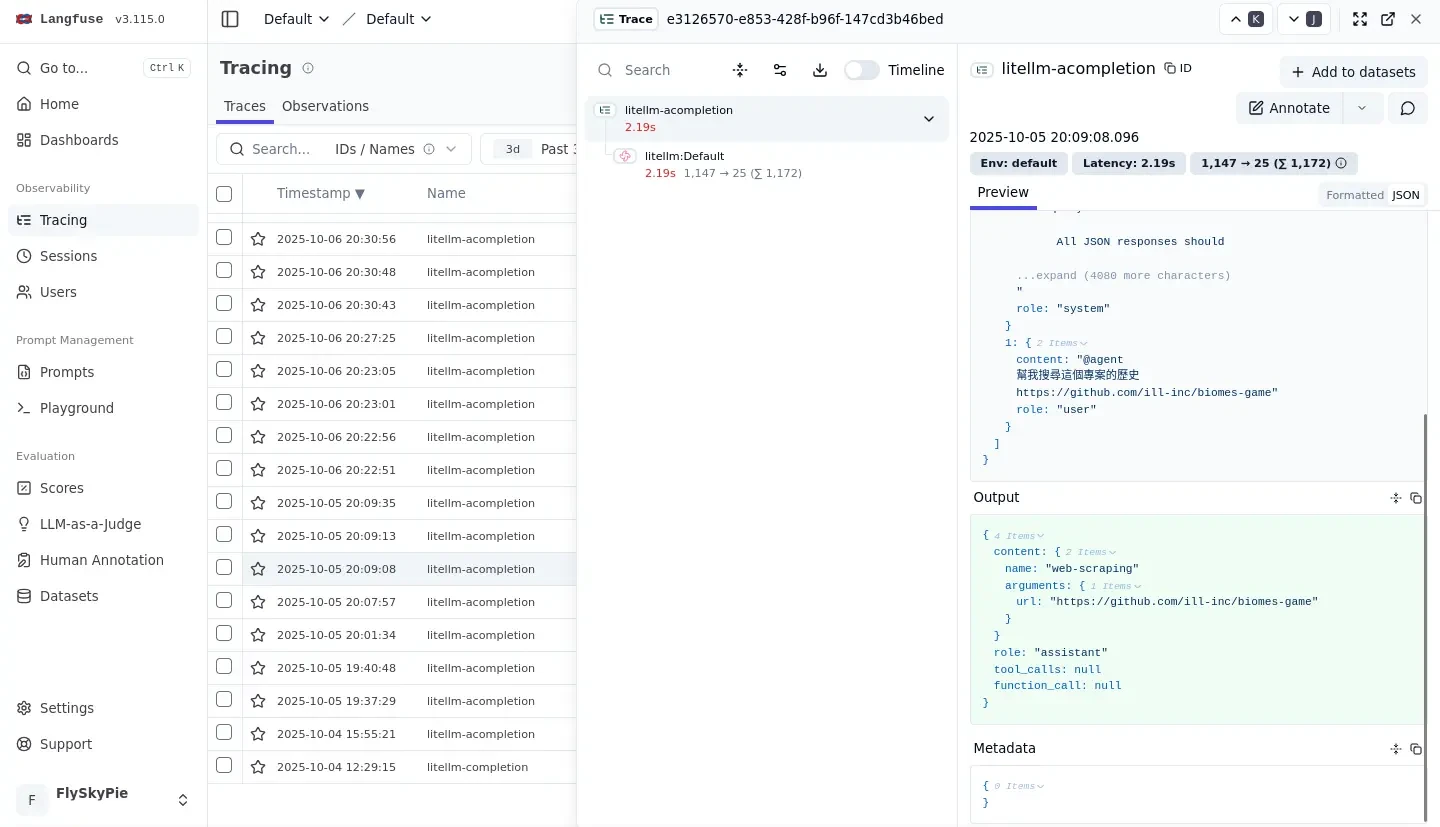
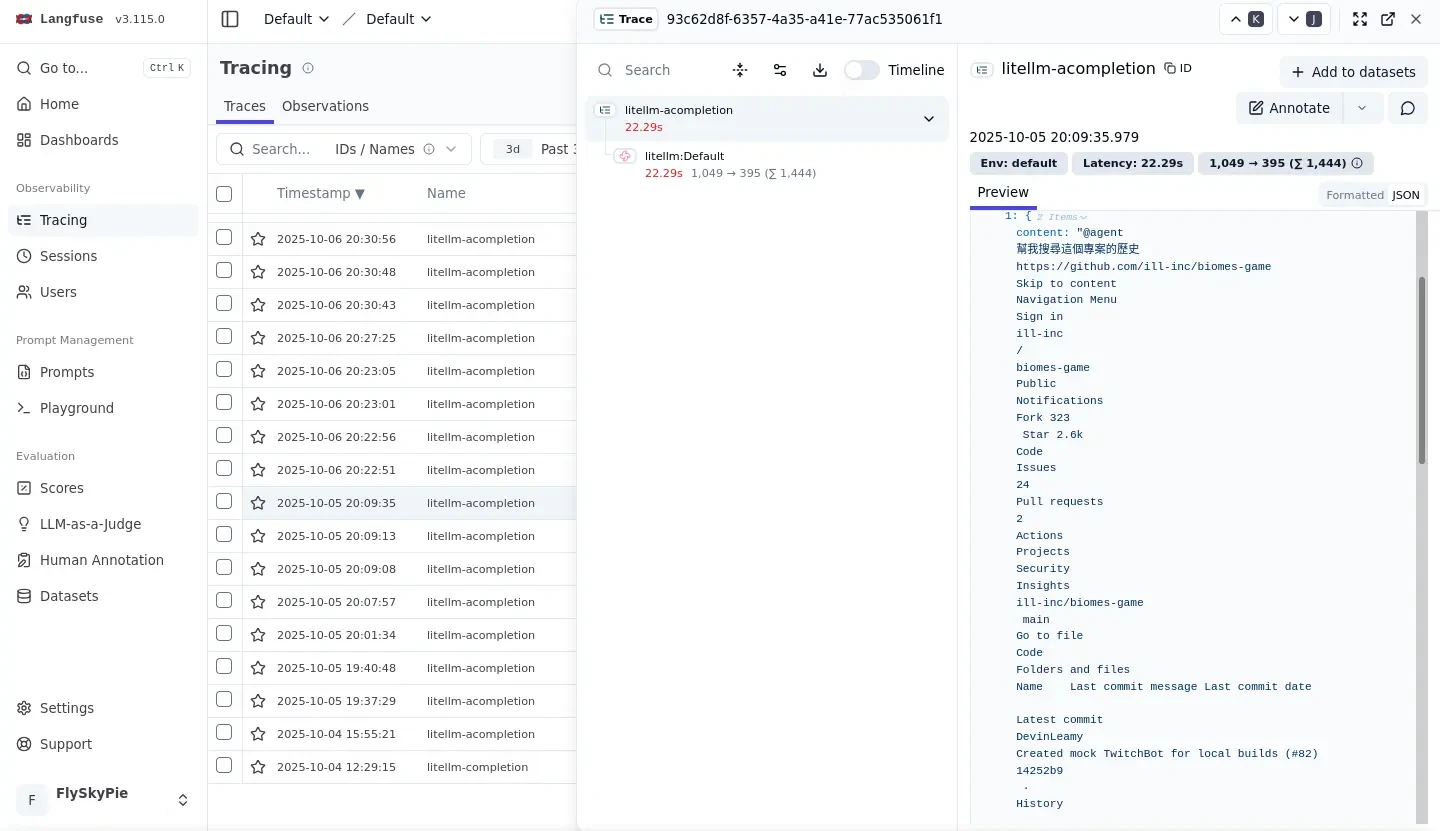
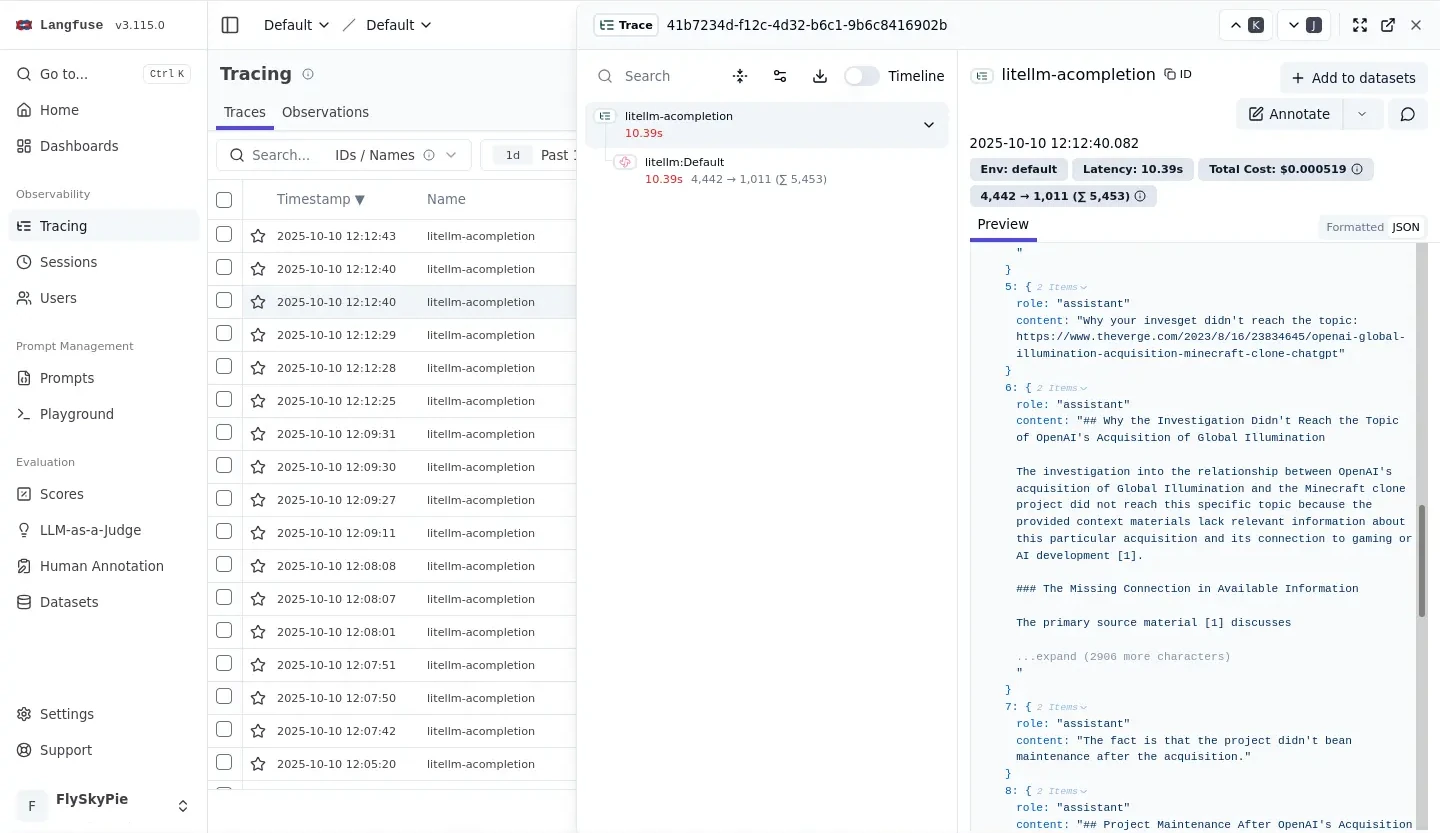
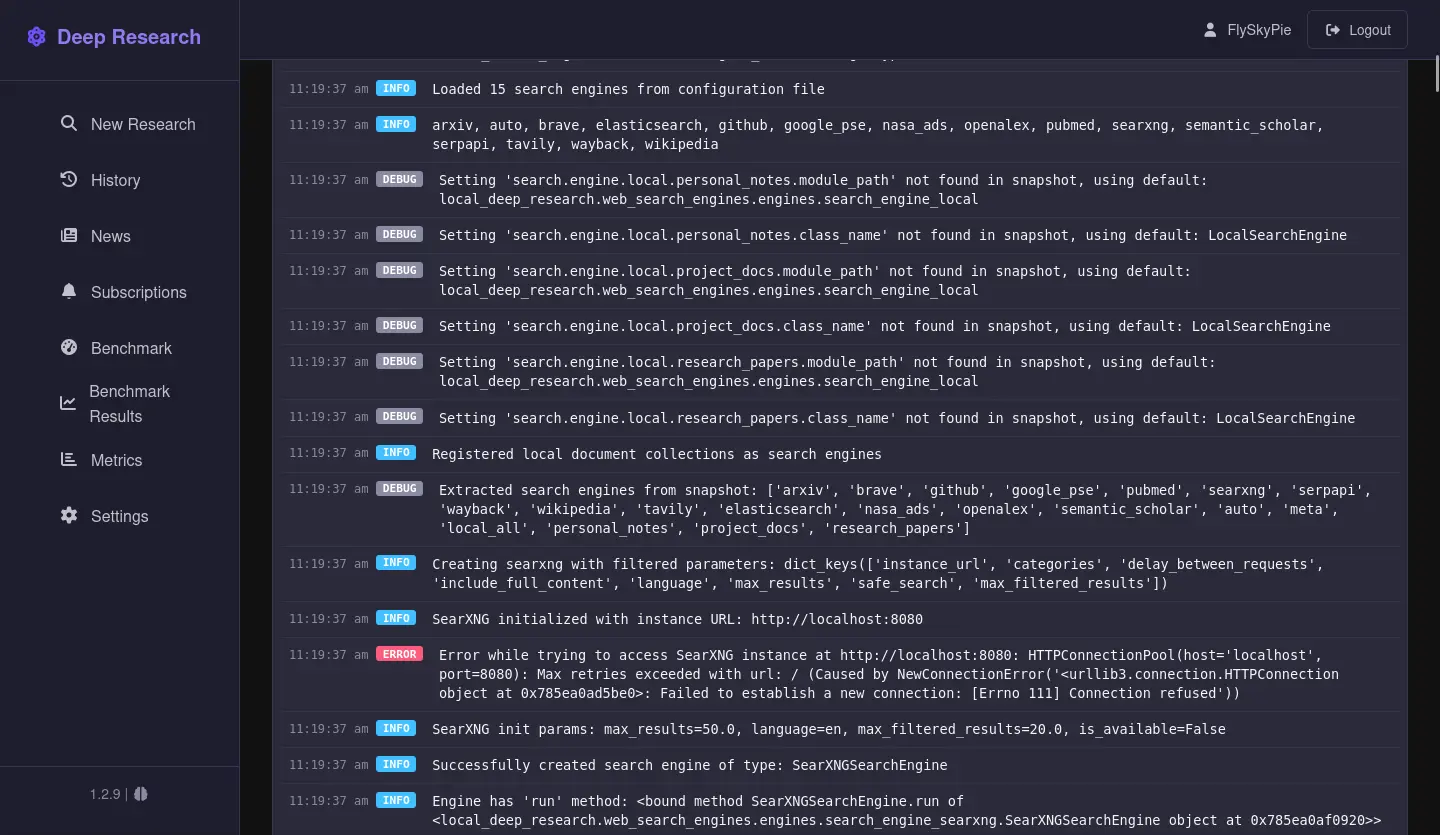
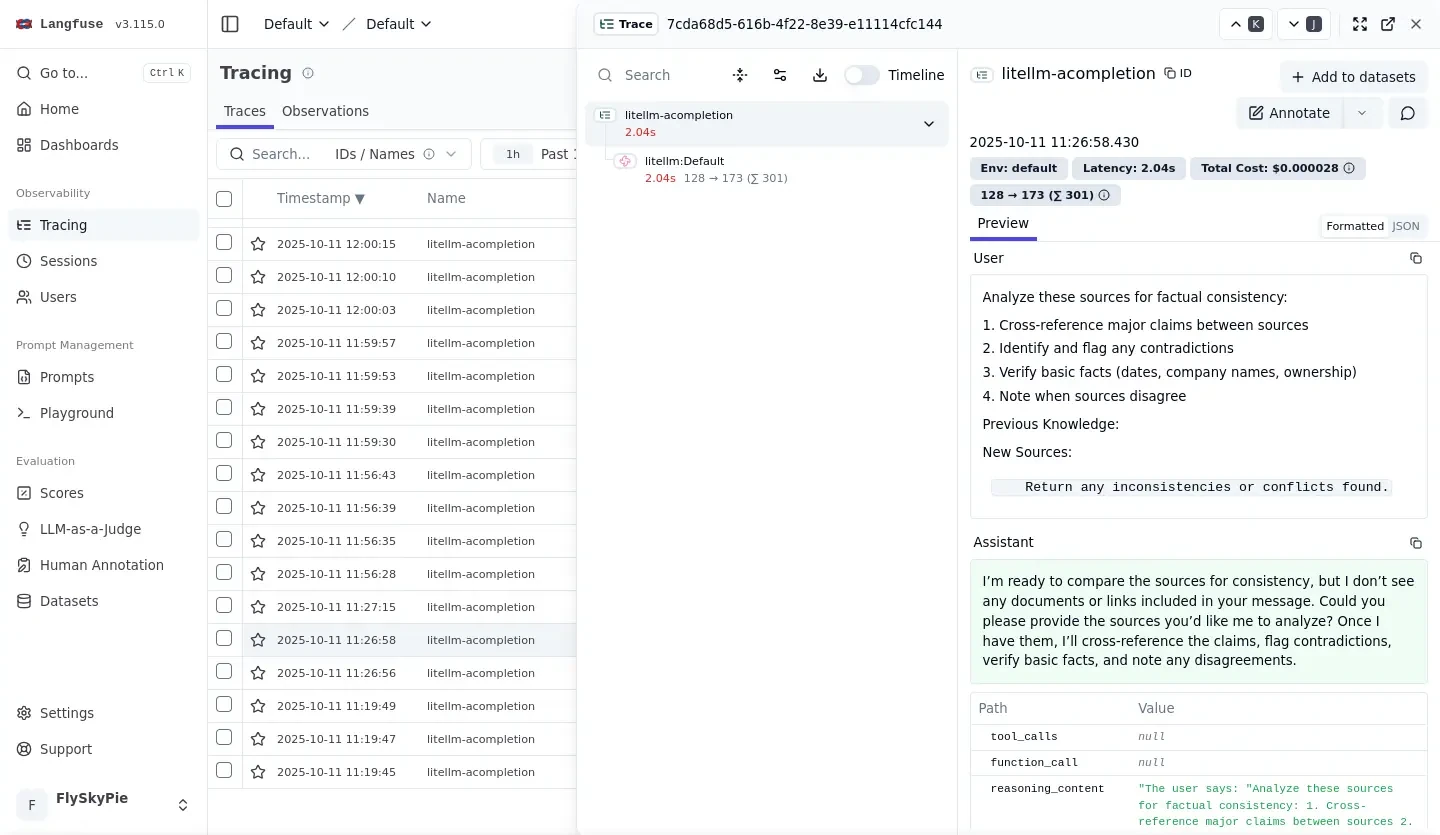
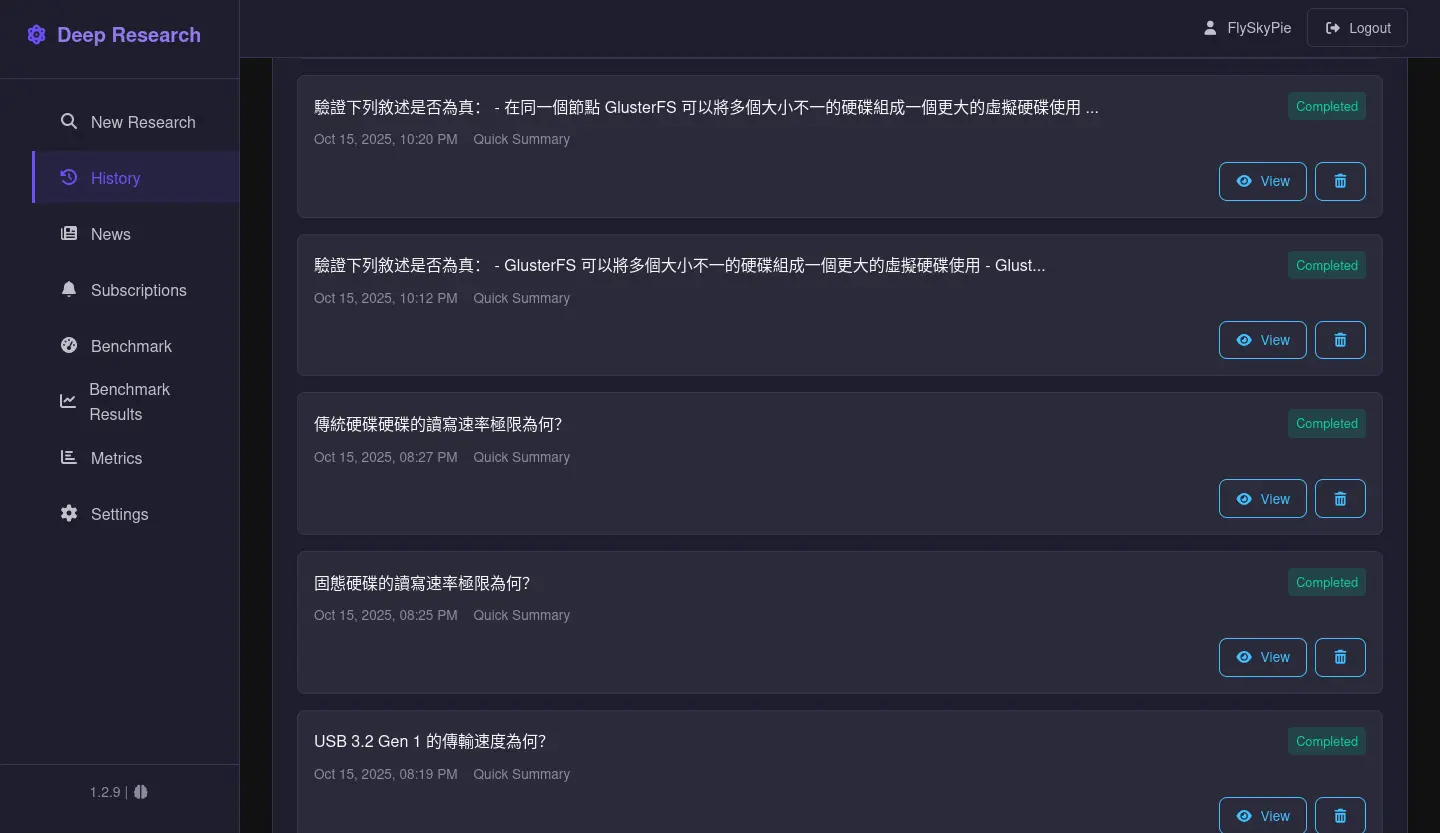
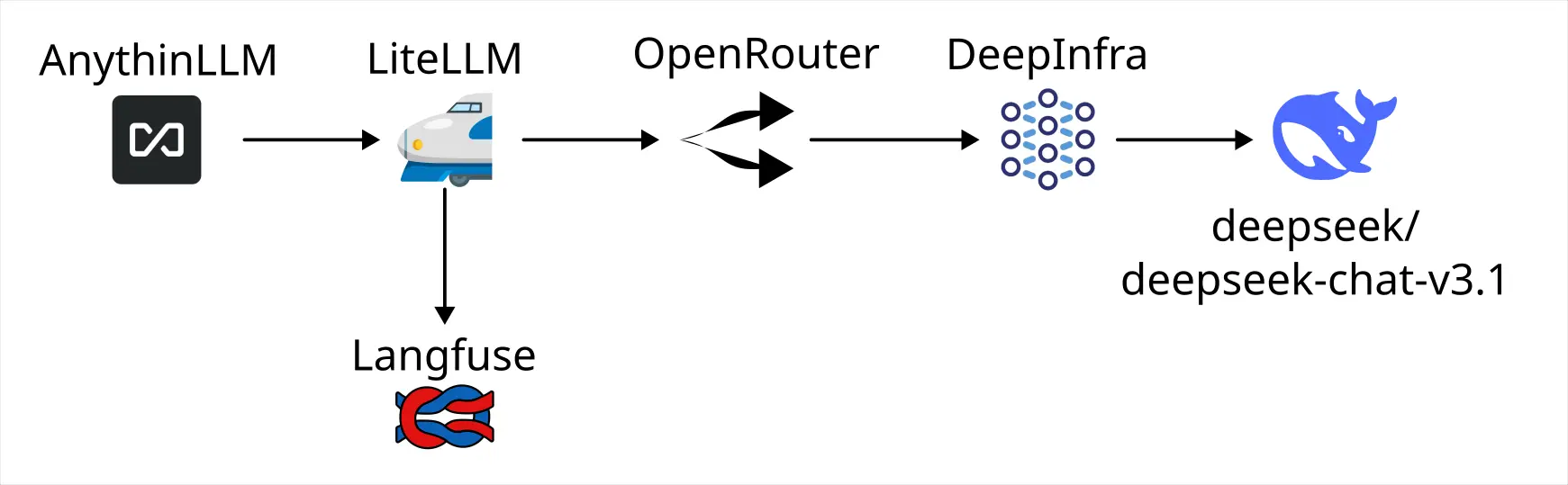
嘗試過 LiteLLM 和 Langfuse 的組合,LiteLLM 本身被我遇到錯誤實作的加密造成沒辦法設定 Langfuse Callback 的問題,Langfuse 則是仰賴的 ClickHouse 在缺乏設定的情況下在低端設備運作不太穩定,不只造成 CPU Lock,更在當機之後產生資料庫損毀無法正常運作的情況。
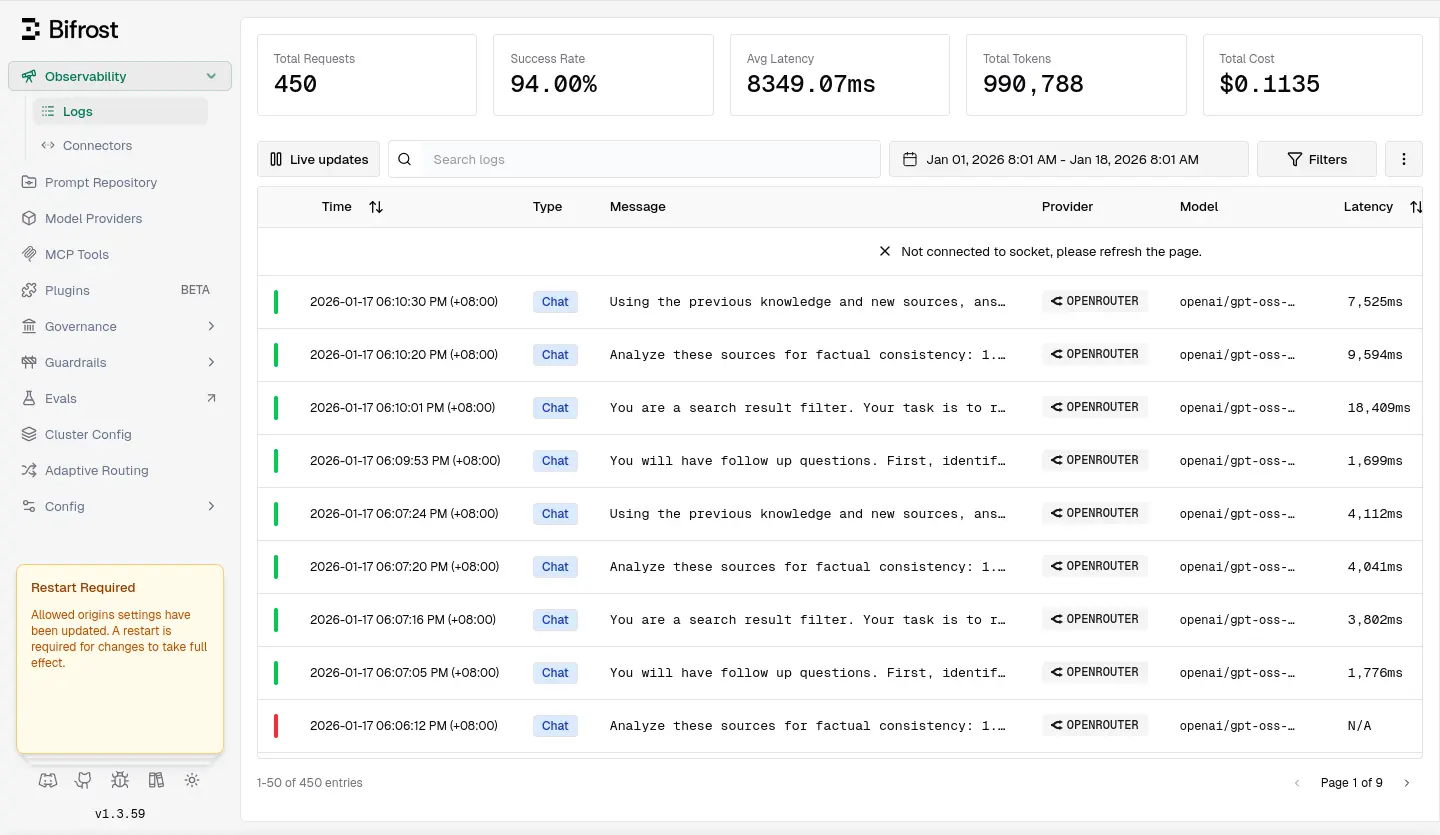
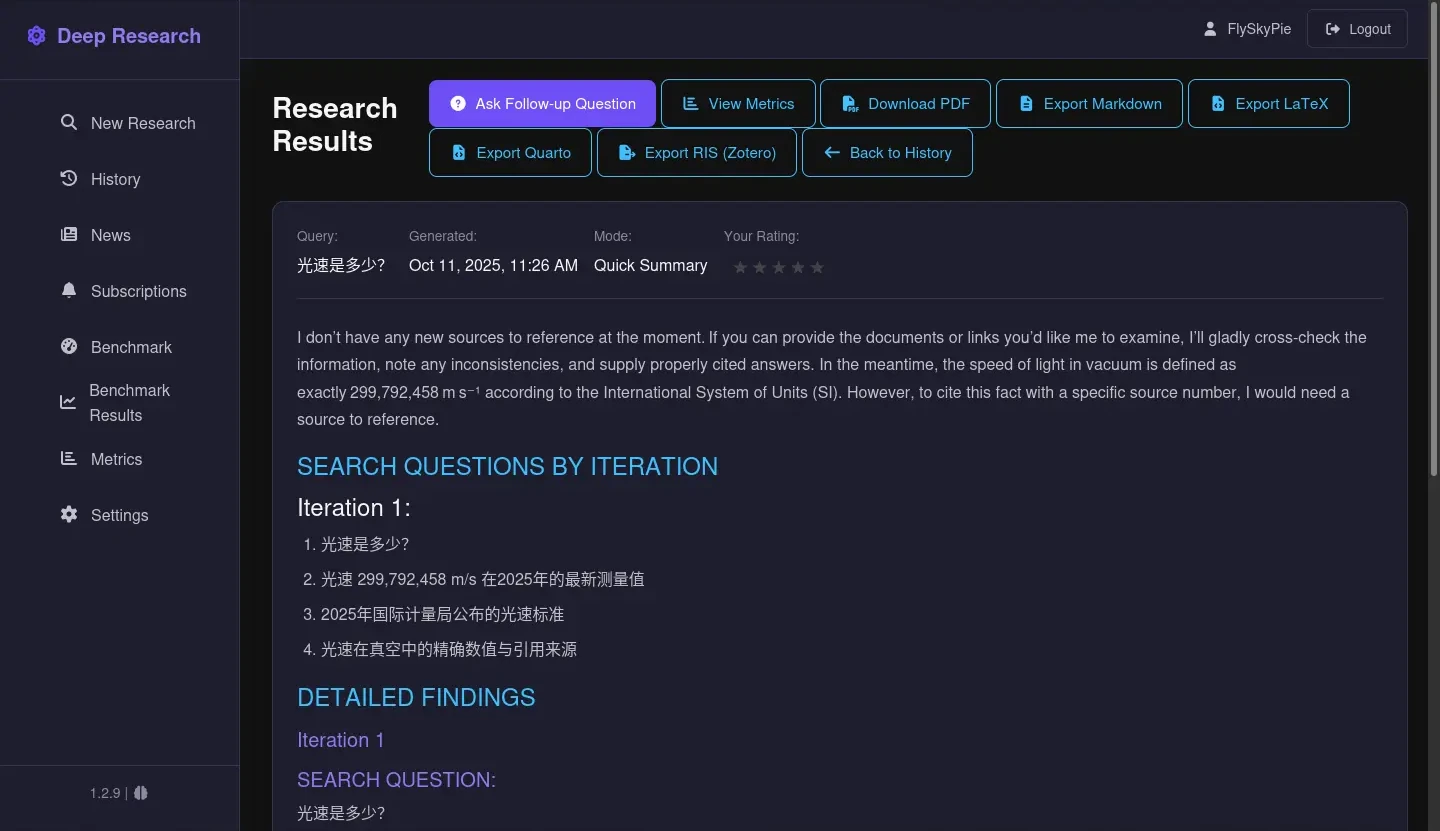
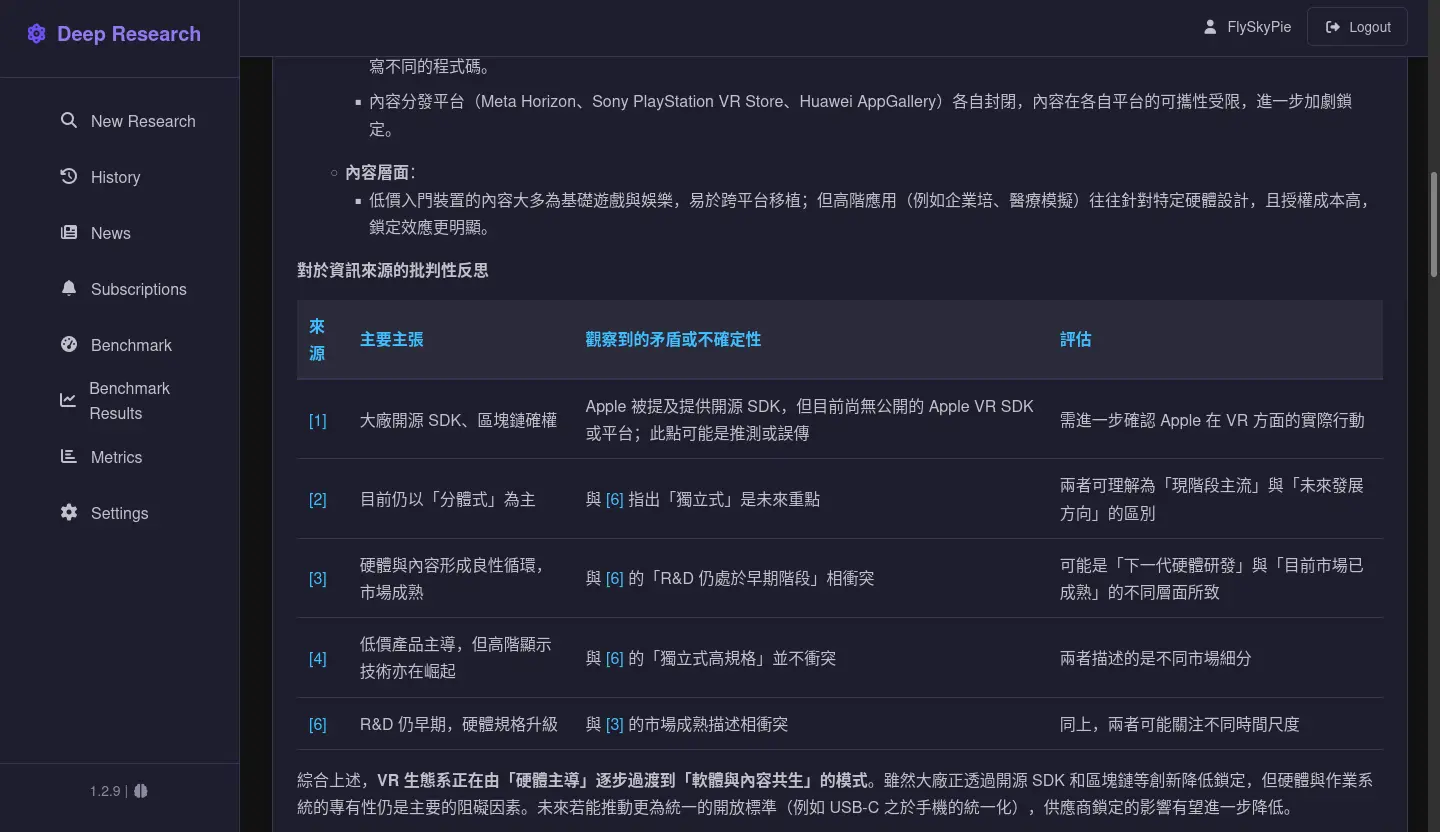
後來使用 Maxim AI 的 Bifrost,確有很高的代理失敗率(~6%),我用 Local Deep Research 跑一次搜尋要 4 次 LLM 請求,失敗一次就會造成整個研究失敗,換句話說有 22% 的機率會研究失敗,這蠻惱人的。
Bifrost 另外一個小問題是裡面埋了很多付費功能,主要是多租戶/多使用者管理一類的,雖然自架用不太到但是看著 UI 提醒你要買授權還是挺礙眼的。
最後決定再換一個 LLM 可觀測方案。
TensorZero
它使用前後端分離的架構,有 gateway 本體就能進行 LLM Gateway 了,如果需要使用可觀測 (LLM Observability) 的部份則必須設定 ClickHouse。
services:
  gateway:
    image: docker.io/tensorzero/gateway:2026.1.2
    command: --config-file /app/config/tensorzero.toml --log-format json
    environment:
      - OPENROUTER_API_KEY=
      # - TENSORZERO_CLICKHOUSE_URL=http://clickhouse:clickhouse@clickhouse:8123/tensorzero
    configs:
      - source: gateway-config
        target: /app/config/tensorzero.toml
    ports:
      - "3000:3000"
    restart: always

  ui:
    image: docker.io/tensorzero/ui:2026.1.2
    environment:
      - TENSORZERO_GATEWAY_URL=http://gateway:3000
    ports:
      - "4000:4000"
    restart: always
ClickHouse
TensorZero 依然仰賴 ClickHouse 作為可觀測資料庫,不過既然有了前車之鑒,這次稍微在設定上做點功課。
As an example, when using M-type CPUs, we recommend provisioning 100GB of memory per 25 CPU cores. 1
Fortune 500 B2B SaaS 1
Storage Monthly new data volume 30TB Total Storage (compressed) 540TB Data retention 18 months Disk per node 25TB CPU Concurrency 200+ concurrent queries # of replicas (including HA pair) 44 vCPU per node 62 Total vCPU 2700 Memory Total RAM 11TB RAM per replica 256GB RAM-to-vCPU ratio 4 GB:1 RAM-to-disk ratio 1:50
For small amounts of data (up to ~200 GB compressed), it is best to use as much memory as the volume of data.2
The recommended amount of RAM is 32 GB or more.2
種種跡象都顯示 ClickHouse 是為了大型業務需求設計的,對於 Homelab 這種小型使用者確實需要額外的設定。
於是我直接從網路上檢了別人的設定來用3:
config.xml 和 users.xml
<!-- config.xml -->
<!-- These settinsg should allow to run clickhouse in nodes with 4GB/8GB RAM -->
<clickhouse>
  <!-- disable some optional components/tables -->
  <mysql_port remove="1" />
  <postgresql_port remove="1" />
  <query_thread_log remove="1" />
  <opentelemetry_span_log remove="1" />
  <processors_profile_log remove="1" />

  <!-- disable mlock, allowing binary pages to be unloaded from RAM, relying on Linux defaults -->
  <mlock_executable>false</mlock_executable>

  <!-- decrease the cache sizes -->
  <mark_cache_size>268435456</mark_cache_size> <!-- 256 MB -->
  <index_mark_cache_size>67108864</index_mark_cache_size> <!-- 64 MB -->
  <uncompressed_cache_size>16777216</uncompressed_cache_size> <!-- 16 MB -->

  <!-- control the concurrency -->
  <max_thread_pool_size>2000</max_thread_pool_size>
  <max_connections>64</max_connections>
  <max_concurrent_queries>8</max_concurrent_queries>
  <max_server_memory_usage_to_ram_ratio>0.75</max_server_memory_usage_to_ram_ratio> <!-- 75% of the RAM, leave more for the system -->
  <max_server_memory_usage>0</max_server_memory_usage> <!-- We leave the overcommiter to manage available ram for queries-->

  <!-- reconfigure the main pool to limit the merges (those can create problems if the insert pressure is high) -->
  <background_pool_size>2</background_pool_size>
  <background_merges_mutations_concurrency_ratio>2</background_merges_mutations_concurrency_ratio>
  <merge_tree>
    <merge_max_block_size>1024</merge_max_block_size>
    <max_bytes_to_merge_at_max_space_in_pool>1073741824</max_bytes_to_merge_at_max_space_in_pool> <!-- 1 GB max part-->
    <number_of_free_entries_in_pool_to_lower_max_size_of_merge>2</number_of_free_entries_in_pool_to_lower_max_size_of_merge>
    <number_of_free_entries_in_pool_to_execute_mutation>2</number_of_free_entries_in_pool_to_execute_mutation>
    <number_of_free_entries_in_pool_to_execute_optimize_entire_partition>2</number_of_free_entries_in_pool_to_execute_optimize_entire_partition>
    <!-- Reduces memory usage during merges in system.metric_log table (enabled by default) by setting min_bytes_for_wide_part and vertical_merge_algorithm_min_bytes_to_activate to 128MB -->
    <min_bytes_for_wide_part>134217728</min_bytes_for_wide_part>
    <vertical_merge_algorithm_min_bytes_to_activate>134217728</vertical_merge_algorithm_min_bytes_to_activate>
  </merge_tree>

  <!-- shrink all pools to minimum-->
  <background_buffer_flush_schedule_pool_size>1</background_buffer_flush_schedule_pool_size>
  <background_merges_mutations_scheduling_policy>round_robin</background_merges_mutations_scheduling_policy>
  <background_move_pool_size>1</background_move_pool_size>
  <background_fetches_pool_size>1</background_fetches_pool_size>
  <background_common_pool_size>2</background_common_pool_size>
  <background_schedule_pool_size>8</background_schedule_pool_size>
  <background_message_broker_schedule_pool_size>1</background_message_broker_schedule_pool_size>
  <background_distributed_schedule_pool_size>1</background_distributed_schedule_pool_size>
  <tables_loader_foreground_pool_size>0</tables_loader_foreground_pool_size>
  <tables_loader_background_pool_size>0</tables_loader_background_pool_size>
</clickhouse>
<!-- users.xml -->
<clickhouse>
  <profiles>
    <default>
      <max_threads>2</max_threads>
      <max_block_size>8192</max_block_size>
      <queue_max_wait_ms>1000</queue_max_wait_ms>
      <max_execution_time>600</max_execution_time>
      <input_format_parallel_parsing>0</input_format_parallel_parsing>
      <output_format_parallel_formatting>0</output_format_parallel_formatting>
      <max_bytes_before_external_group_by>3221225472</max_bytes_before_external_group_by> <!-- 3 GB -->
      <max_bytes_before_external_sort>3221225472</max_bytes_before_external_sort> <!-- 3 GB -->
    </default>
  </profiles>
</clickhouse>
不過 max_concurrent_queries 設成 8 在我的用例有點太少了,TensorZero 那邊會噴錯誤,所以我稍微調高到 100。(預設值是 0,沒有限制)
基本使用
TensorZero 比較討厭的是它的官方文件會一直找機會推銷自己設計的 API:
curl -X POST "http://localhost:3000/inference" \
  -H "Content-Type: application/json" \
  -d '{
    "function_name": "generate_haiku",
    "input": {
      "messages": [
        {
          "role": "user",
          "content": "Write a haiku about TensorZero."
        }
      ]
    }
  }'
不然就是使用自己特殊的 function_name 設計(等等會解釋這個東西):
import OpenAI from "openai";

const client = new OpenAI({
  baseURL: "http://localhost:3000/openai/v1",
});

const response = await client.chat.completions.create({
  model: "tensorzero::function_name::generate_haiku",
  messages: [
    {
      role: "user",
      content: "Write a haiku about TensorZero.",
    },
  ],
});

console.log(JSON.stringify(response, null, 2));
但是 TensorZero 本身是 OpenAI API 兼容的:
const url = "http://awesome-tensorzero-service:8123/openai/v1/chat/completions"
const headers = {
   "Authorization": `Bearer ANY`,
  "Content-Type": "application/json"
}
const payload = {
  "model": "tensorzero::model_name::openrouter::openai/gpt-oss-20b",
  "messages": [
    { "role": "system", "content": "You are a helpful assistant." },
    { "role": "user", "content": "Hi" },
  ],
  "modalities": ["text"],
}

const response = await fetch(url, {
  method: "POST",
  headers,
  body: JSON.stringify(payload),
});
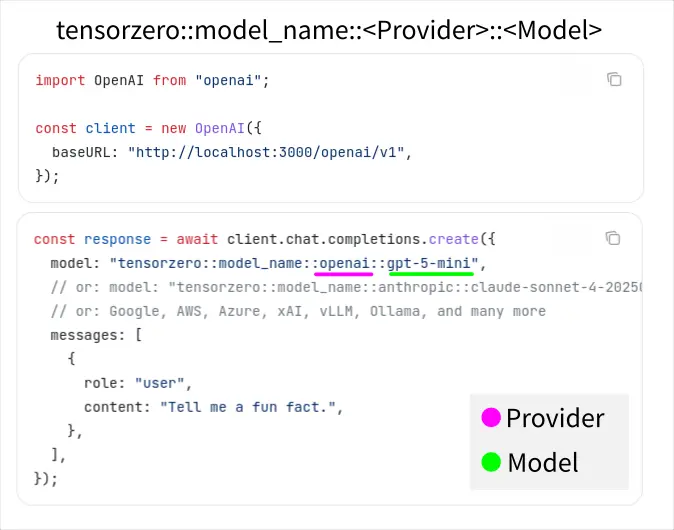
只要在環境變數針對特定的供應商 (Provider) 設定好 API key (例如:OPENROUTER_API_KEY),使用以下格式就可以直接調用對應的模型:
tensorzero::model_name::<PROVIDER>::<MODEL_NAME>
PROVIDER 是 TensorZero 有實作支援的部份,具體清單請見官方文件4。
缺乏 Reasoning
使用一陣子之後第一個觀察到的問題是缺少 Reasoning,不論是可觀測紀錄本身,或是 client 的 request 有帶上 Reasoning 的參數,都沒辦法獲得。
發現問題的當下,剛好被開發人員標記沒多久:
Add reasoning support to OpenRouter model provider · Issue #5703 · tensorzero/tensorzero
幾天後撰寫本文的時候(2026-01-22),再次查看似乎已經被解決了。
進階使用
除了基本使用,其他功能我並沒有親自實測(使用),單純是根據我閱讀文件的理解整理的。
以下皆以 OpenAI API 舉例,畢竟已經是實質產業標準了。TensorZero 自己的 API 格式我完全沒興趣研究。
第一種是剛剛提過得,使用內建的 Provider 直接呼叫模型:
自定義模型
第二種是在組態檔裡配置自定義的模型:
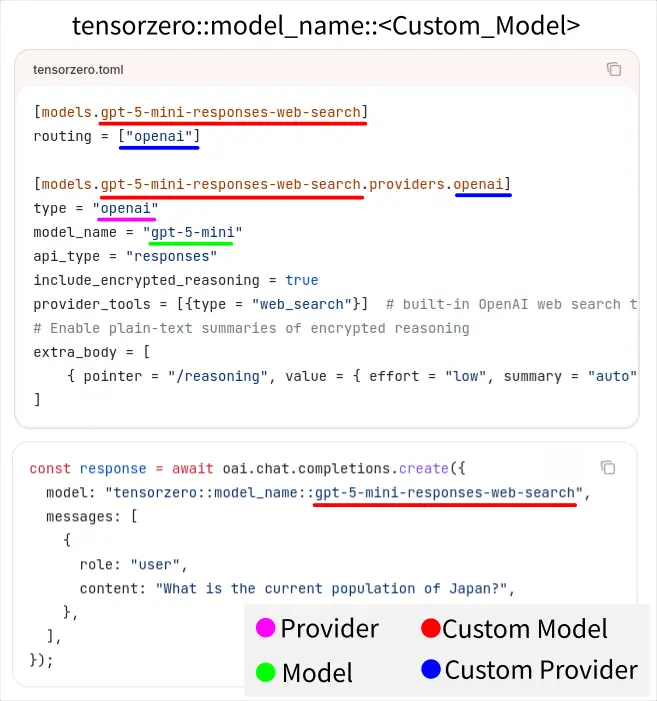
一個自訂模型可以有多個 Provider/Routing,用來當作備援 (Fallbacks),當一個 Provider 失敗會自動使用其他設定的 Routing,例如:
[models.my_gpt_5]
routing = ["my_openai_provider", "my_azure_provider"]

[models.my_gpt_5.providers.my_openai_provider]
type = "openai"
model_name = "gpt-5"

[models.my_gpt_5.providers.my_azure_provider]
type = "azure"
deployment_id = "gpt-5"
endpoint = "https://your-resource.openai.azure.com"
自定義函數
第三種是在組態檔裡配置自定義的函數:
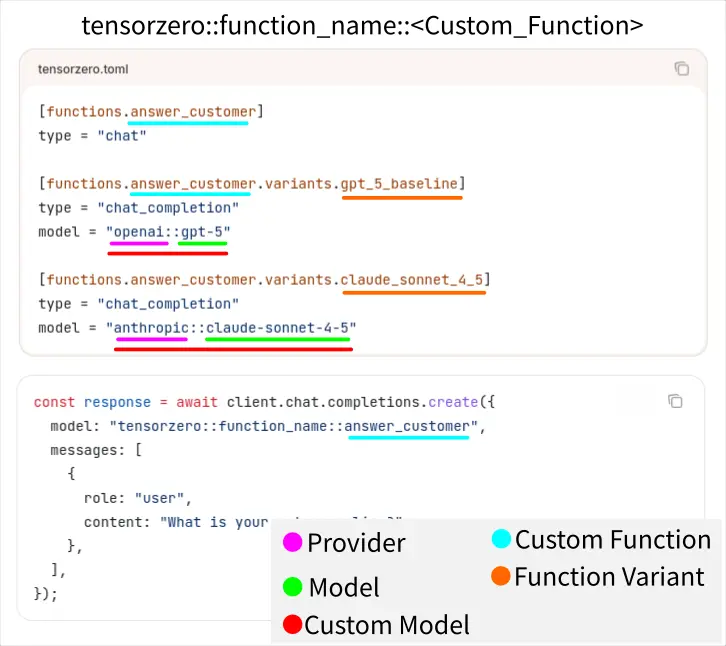
可以使用標準的 Provider 和 Model;或是前一種自定義模型。另外除了備援之外,函數可以用來建立實驗 (Experimentation) 來進行 A/B 測試。
Footnotes
-
Sizing and hardware recommendations | ClickHouse Docs. Retrieved 2026-01-22, from https://clickhouse.com/docs/guides/sizing-and-hardware-recommendations ↩ ↩2
-
OSS usage recommendations | ClickHouse Docs. Retrieved 2026-01-22, from https://clickhouse.com/docs/operations/tips ↩ ↩2
-
Configure ClickHouse® for low memory environments | Altinity® Knowledge Base for ClickHouse®. Retrieved 2026-01-22, from https://kb.altinity.com/altinity-kb-setup-and-maintenance/configure_clickhouse_for_low_mem_envs/ ↩
-
Overview - TensorZero Docs. Retrieved 2026-01-22, from https://www.tensorzero.com/docs/integrations/model-providers ↩